
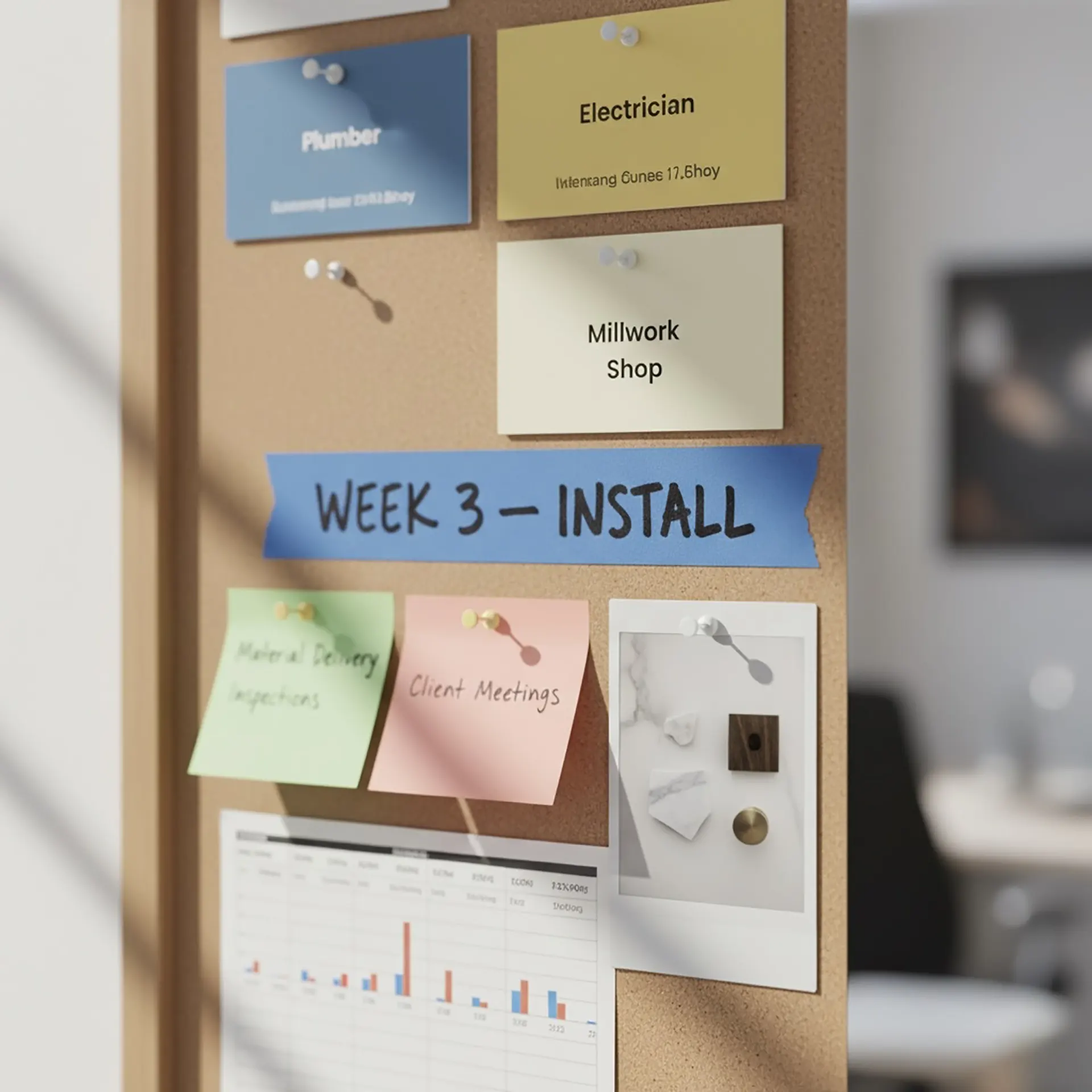
From Permit to Perfection: Why Project Management Defines the Outcome
Here is a question every homeowner should ask before signing a contract: “What’s more expensive—a slow builder or a missing email?”
The answer is almost always the missing email.
A slow builder is a visible problem. A missing email is an invisible one, and it’s infinitely more toxic. A missing email is what causes a $50,000 custom millwork order to be fabricated in the wrong dimensions. It’s what causes a 20-week lead-time faucet to be forgotten, halting all plumbing work. It’s what leads to a job site falling silent for three weeks, not from a lack of materials, but from a failure of information.
In a high-stakes Manhattan renovation, you are not just managing construction. You are managing a temporary, multi-million-dollar corporation with four distinct divisions: Design, Legal (Permitting), Manufacturing (Construction), and Logistics (Supply Chain).
The person who runs this corporation is the Project Manager (PM). Their role is not just to “check in”; it is to serve as the central nervous system for the entire operation. This is, without question, the most critical role in your entire project.

The Myth of the “General Contractor” as PM
In the traditional, fragmented renovation model, a client is forced to juggle multiple contracts. You hire an architect for design, a general contractor (GC) for the build, and an expediter for the permits.
The problem? You, the client, become the default Project Manager.
You are the one left trying to get your architect to return a call to your GC, who claims the plans are “unbuildable.” You are the one trying to get the GC to send the right insurance certificate to your co-op board. This is the “blame game,” and the client is always the one who loses.
A true Project Manager, as we define it at Hoppler Design & Build, is not just a builder. A PM is a communications hub, a logistician, and a diplomat. Their job begins months before the first hammer swings, and ends only after the last city inspector has signed off.

The Four-Front Communications War
A high-end renovation is a war of information. A successful PM must simultaneously manage the flow of perfect, real-time data across four distinct fronts:
| Front | Primary Focus | Key Responsibilities | Critical Outcomes |
|---|---|---|---|
| Design & Client | Vision translation | Convert client vision and architect plans into actionable tasks; manage expectations; secure approvals on all finishes | Clear communication of decisions to purchasing team |
| Authorities (Board & DOB) | Documentation | Manage co-op board packages; coordinate DOB expediter; schedule and attend inspections | All permits approved and inspections passed |
| Build & Subcontractors | On-site coordination | Orchestrate subcontractor sequence; ensure right teams arrive with correct materials and plans | Continuous workflow without delays |
| Logistics & Supply Chain | Material timing | Track lead times (20-week appliances, 16-week custom tile, 12-week cabinetry); coordinate delivery timing | Materials arrive exactly when needed |

The Hoppler Solution: A Unified System in ClickUp
So, how do we manage these four fronts without letting a single email drop?
At Hoppler Design & Build, we have built our entire company on a single, unified project management system. We use a powerful platform, ClickUp, to create a “single source of truth” for every project.
This isn’t just a fancy To-Do list. It is a comprehensive ecosystem that is shared by everyone involved in your project:
- Our Designers upload the final, approved architectural plans and finish schedules.
- Our PMs build out the entire project timeline, from permit submission to final punch list.
- Our Site Supervisors upload daily progress photos and track on-site tasks.
- Our Purchasing Team links every material order and tracking number.
- You, the Client, get your own login. You can see, in real-time, exactly what was done today, what is happening next week, and the status of your appliance order.
How ClickUp Eliminates Communication Failures
| Team Member | ClickUp Function | Benefit |
|---|---|---|
| Designers | Upload architectural plans and finish schedules | Single source of truth for all design decisions |
| Project Managers | Build complete project timeline | Clear roadmap from permits to completion |
| Site Supervisors | Upload daily photos and track tasks | Real-time visibility into construction progress |
| Purchasing Team | Link material orders and tracking numbers | Complete supply chain transparency |
| Client | Personal login with full access | See daily progress and material status anytime |
When our site supervisor has a question about a tile layout, they don’t send a text message that gets lost. They comment directly on the task in ClickUp, which is linked to the architectural plan and instantly notifies the designer. The question is asked, answered, and logged in one place.
This system is our commitment to accountability. It eliminates the “missing email.” It makes communication transparent, instant, and permanent.
In a Manhattan renovation, you are buying a finished product. But you are also paying for the process of getting there. A beautiful design is just a dream. A skilled builder is just a technician. But a world-class project management system—that is what turns the dream into a stress-free, predictable, and successful reality.

Red Flags and Green Lights: Reading Between the Lines of Contractor Proposals
A contractor proposal represents far more than just a list of prices; it’s a window into the p

Building Your Dream Team
Compare the pros and cons of managing individual trades versus hiring a GC, with guidance on making

Beyond the Lowest Bid: Understanding True Value in Contractor Selection
Explain why the cheapest option often costs more in the long run, and how to evaluate quality, warra